
v0.6 – Email Types, Playbooks, Sequences

Ghostbase's BIG Fall 2025 update is finally here. Here's what's new:
Email Types
This update brings 3 new email types to Ghostbase! Before, G1 Newsletter supported one type of email, a Value Newsletter. But now, G1 Email (formerly Newsletter) supports:
-
Value Newsletters (nothing but pure value)
-
Indirect Newsletter (a shorter value newsletter with a soft CTA)
-
Direct Emails (a pure sales email)
-
Atomic Newsletters (1-min quick value bomb email)
You can tell G1 what type of email you want, or use the email type selector in the chat box.
Email Sequences
Included in this update is the ability to create email sequences. Just tell G1 you'd like to create a sequence, or press the document icon in the top right to create a sequence or customize your sequence.
If wanted, G1 will intelligently decide the best email type for each email in a sequence.
Playbooks
Think of playbooks as sets of instructions that G1 can learn. G1 comes pre-installed with a handful of powerful default playbooks. You can tell G1 what playbook to use by pressing the "/" key in the chat input and select the playbook.
Default Playbooks
Default playbooks are used to teach G1 core system functionality like writing irresistible subject lines, writing indirect newsletters, etc. You can customize default playbooks by chatting with G1 or by viewing the playbook (Tuning > Playbooks) and adding in "Custom Instructions". These custom instructions are the best way to customized how G1 behaves for each specific task (writing headlines, writing LinkedIn posts, etc.)
Note: G1 routes to these default playbooks automatically so you DON'T need to explicitly tell G1 with a "/" what default playbook you want it to use.
This new way of teaching the core writing rules allows us to pass significantly more information without overloading G1 - so output should be improved compared to previous versions!
Additional Playbooks
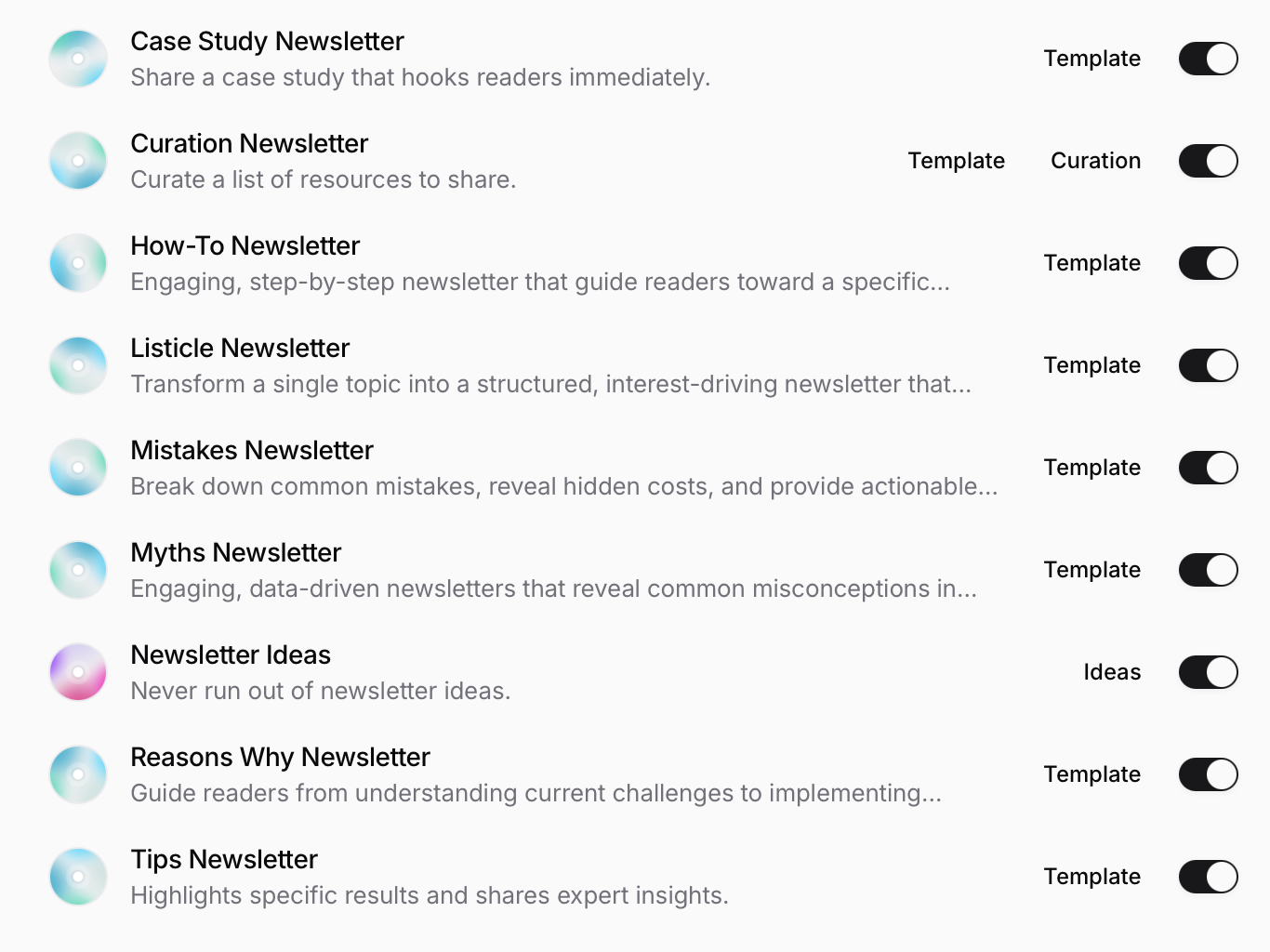
We've also added 9 email template playbooks that you can use in the chat by pressing the "/" key.
Command Playbooks
We've also included 3 useful command playbooks for common things like rewriting, simplifying, and expanding bits of text.
Custom Playbooks
And you can even create and use your own playbooks!
More soon!
– Sam, Cofounder of Ghostbase